Safari extension for iPhone and iPad

Easier on Your Eyes.
More Relaxing Nights.

Turn bright white websites dark with one tap. Enjoy softer light, warmer colors, and more comfortable reading as you get ready for bed.
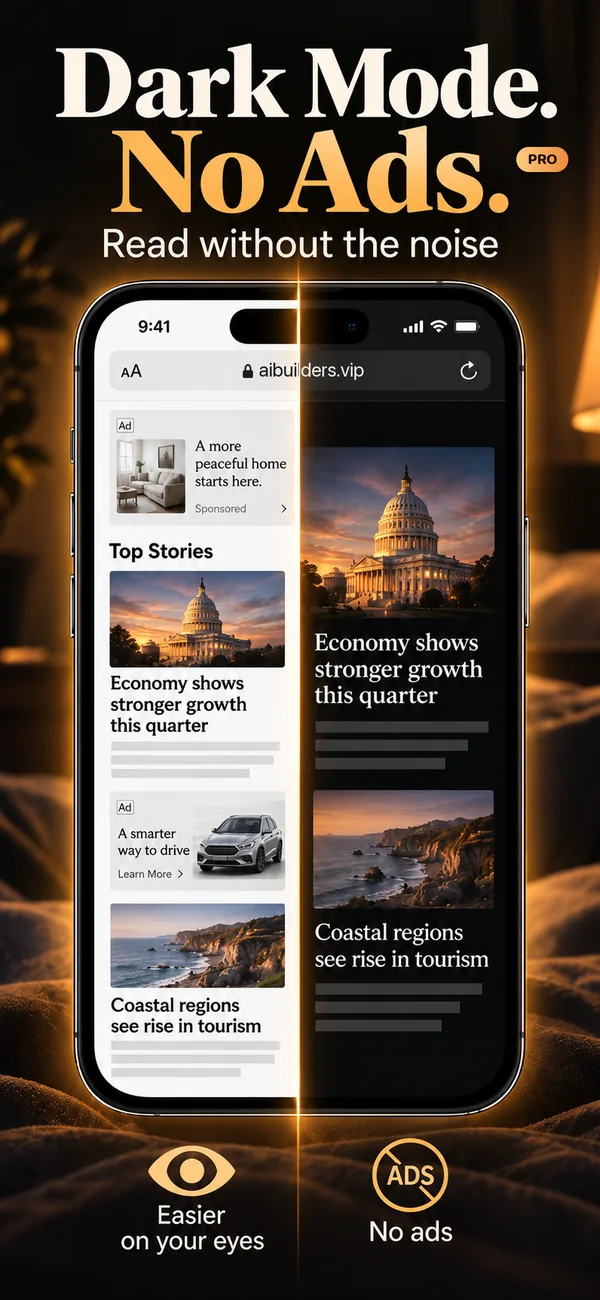
Dark mode on every website Blocks ads in SafariPRO Private by design
Make My Websites Dark See the Difference
Free for iPhone and iPad. Ad blocking with Pro, 3 days free.
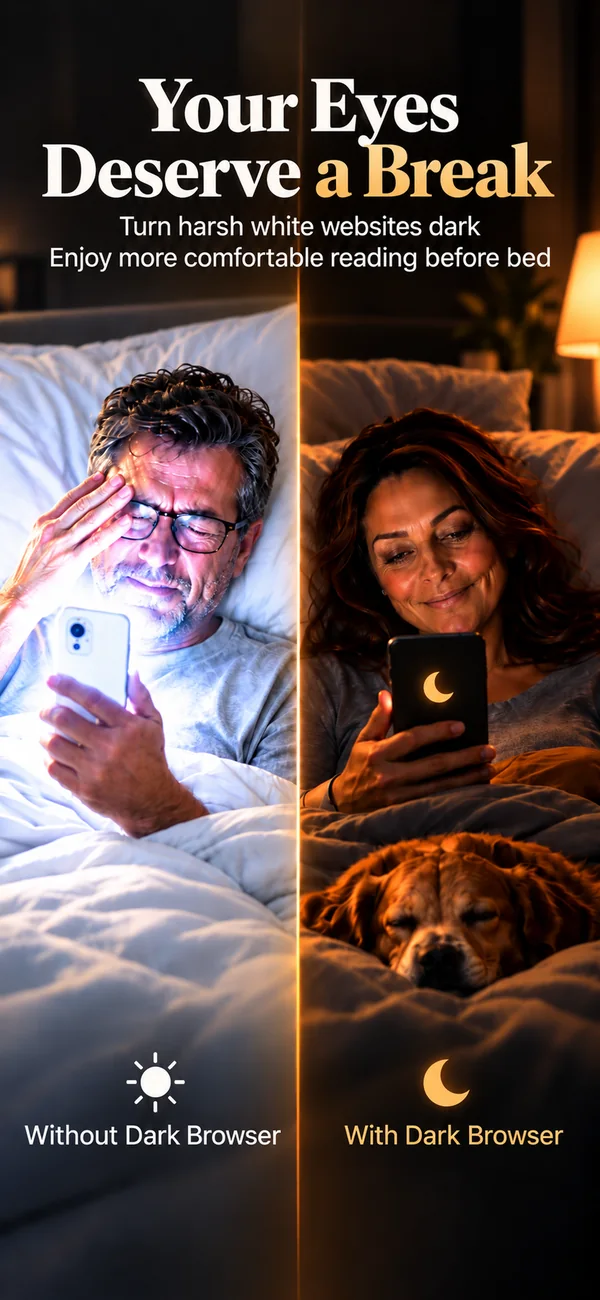
Your eyes deserve a break: reading a bright phone in bed without Dark Browser, and a dark one with it
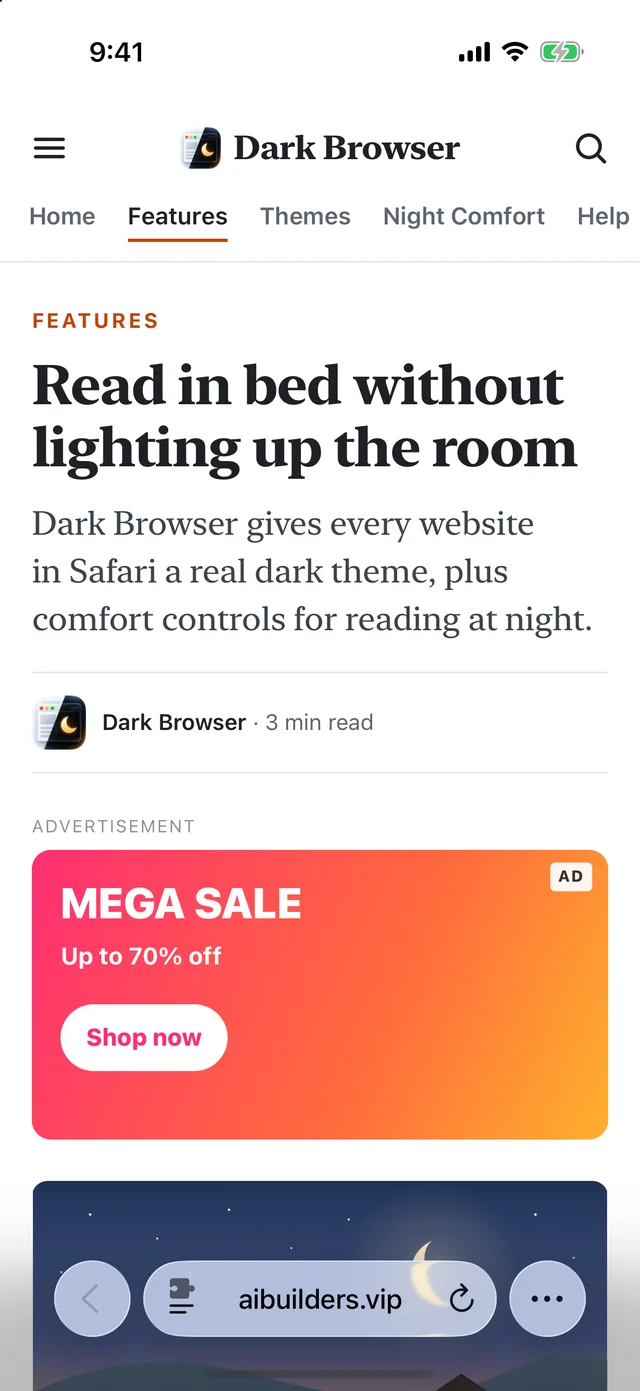
Dark Mode. No Ads. with Pro: a news page in Safari, bright with ads on one side, dark with no ads on the other
See the Difference

Less Harsh Light.
More Comfortable Reading.
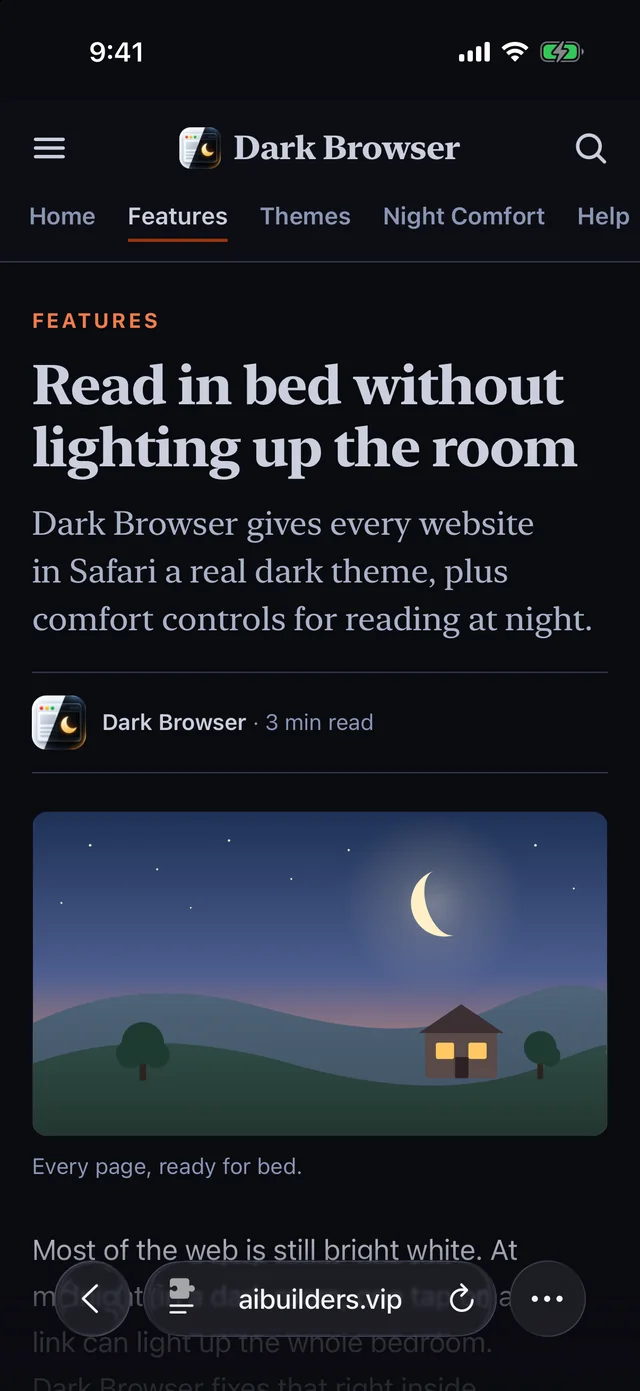
After Dark Browser: the same article in Safari with a dark background
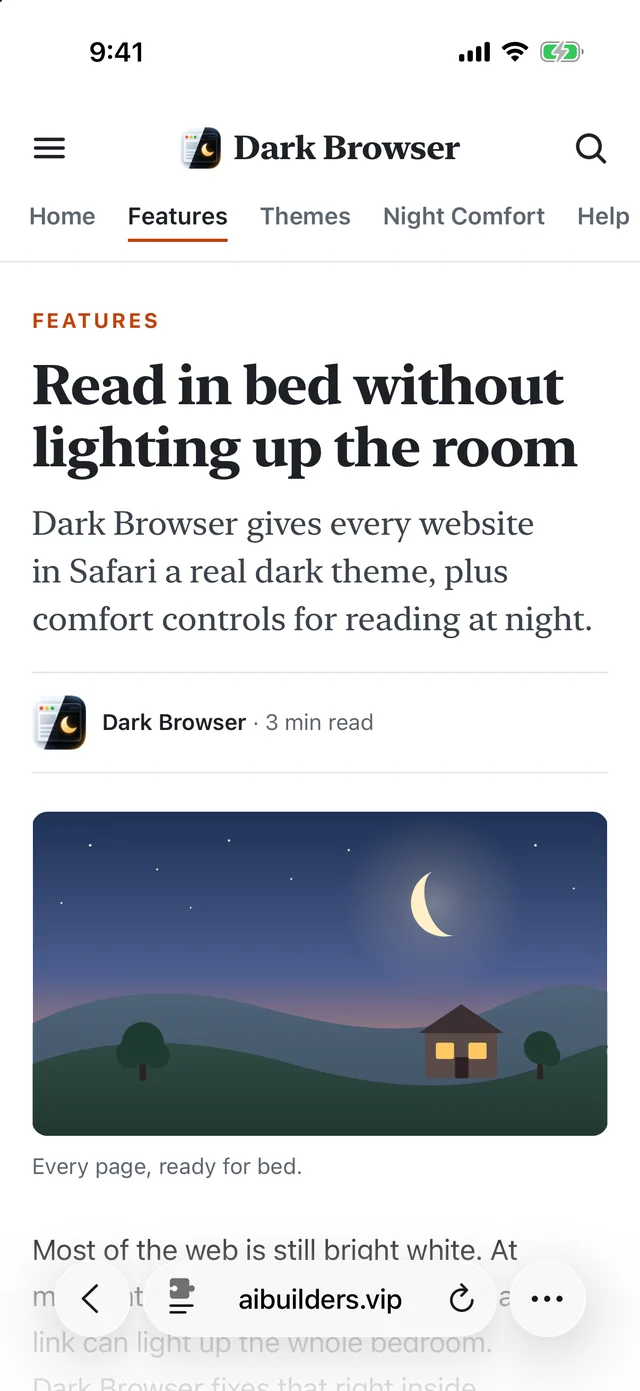
Before Dark Browser: an article in Safari with a bright white background

Drag to compare. Real Safari screenshots.

Before Dark Browser

Every bright white page feels like someone turned the lights back on, right when you're trying to relax.

After Dark Browser

Dark Browser replaces harsh white backgrounds with darker colors that feel more comfortable at night, even with the lights off.

Same page, same Safari. Dark Browser only changes the colors, so layouts, photos and buttons stay where they belong.

Ad blocking with Pro

Bright Ads Ruin a Dark Page.
Pro Blocks Them.

A flashing banner is the brightest thing in a dark room. Dark Browser Pro blocks ads in Safari, so the page stays dark and calm while you read.

  • Blocks ads in Safari on iPhone and iPad
  • Over 60,000 ad rules, built in and updated with the app
  • Checkout, payment and sign-in pages are always left alone
  • Common video players still start
  • Private: Safari applies the list on your device, and the blocker can't see what you read
  • One switch to turn it on, and the app shows you where
Try Pro Free for 3 Days
Then $24.99 a year or $4.99 a month. Cancel anytime.
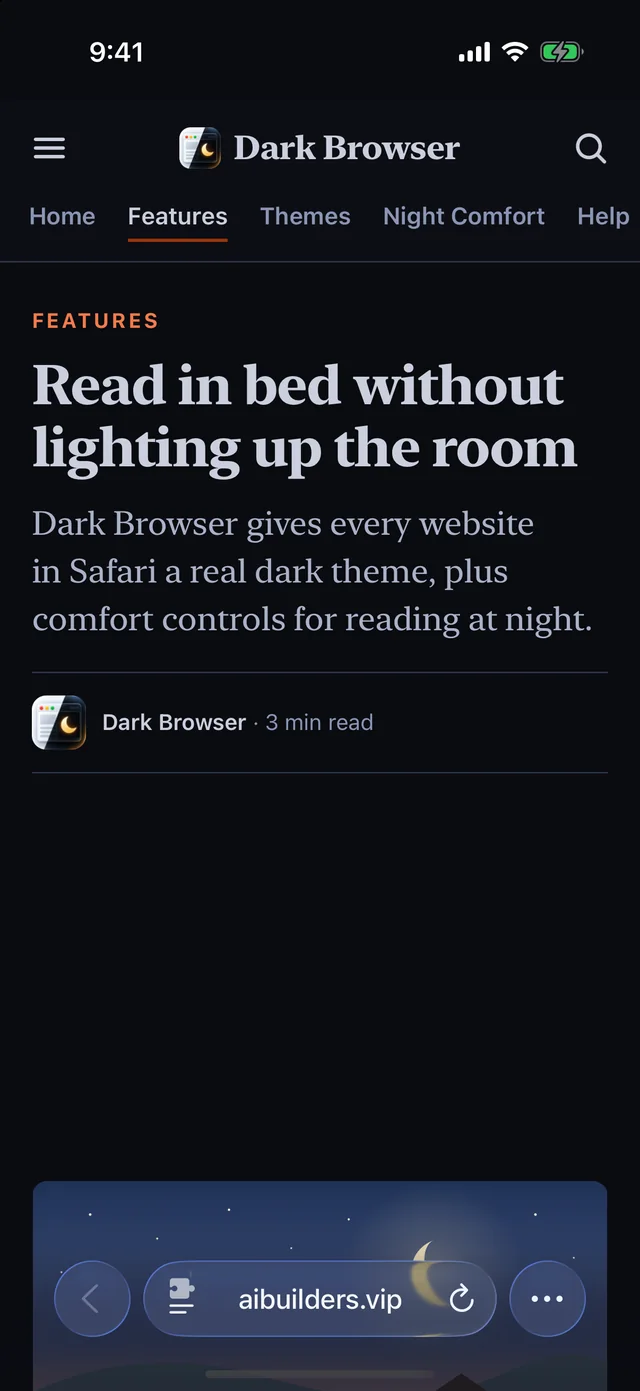
With Dark Browser Pro: the same page dark, with the ad blocked
Without Dark Browser: a bright page with a big, bright ad in the middle of the article

Drag to compare. Real Safari screenshots of our sample page and a made-up ad.

Made for bedtime

Your Bedtime Routine
Deserves Better.

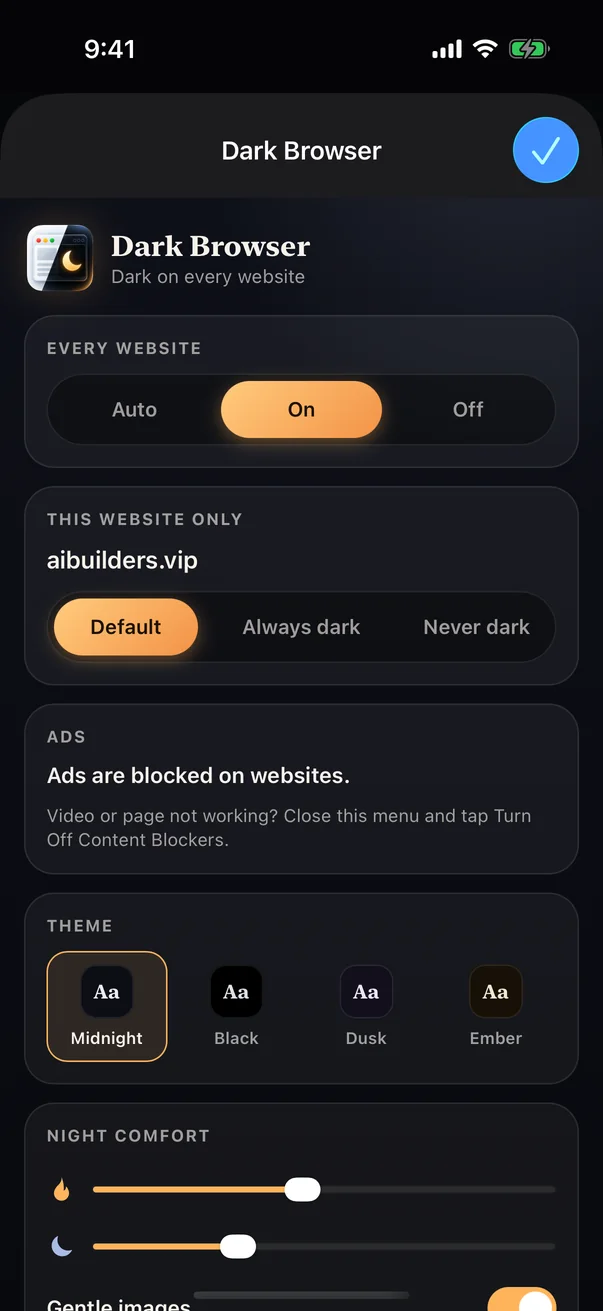
The Dark Browser menu in Safari: Auto, On and Off for every website, Default, Always dark and Never dark for this site, ad blocking, four themes and Night Comfort

Give Your Eyes a Break

Stop staring at bright white websites. Dark Browser makes pages darker, so nighttime reading feels more comfortable.
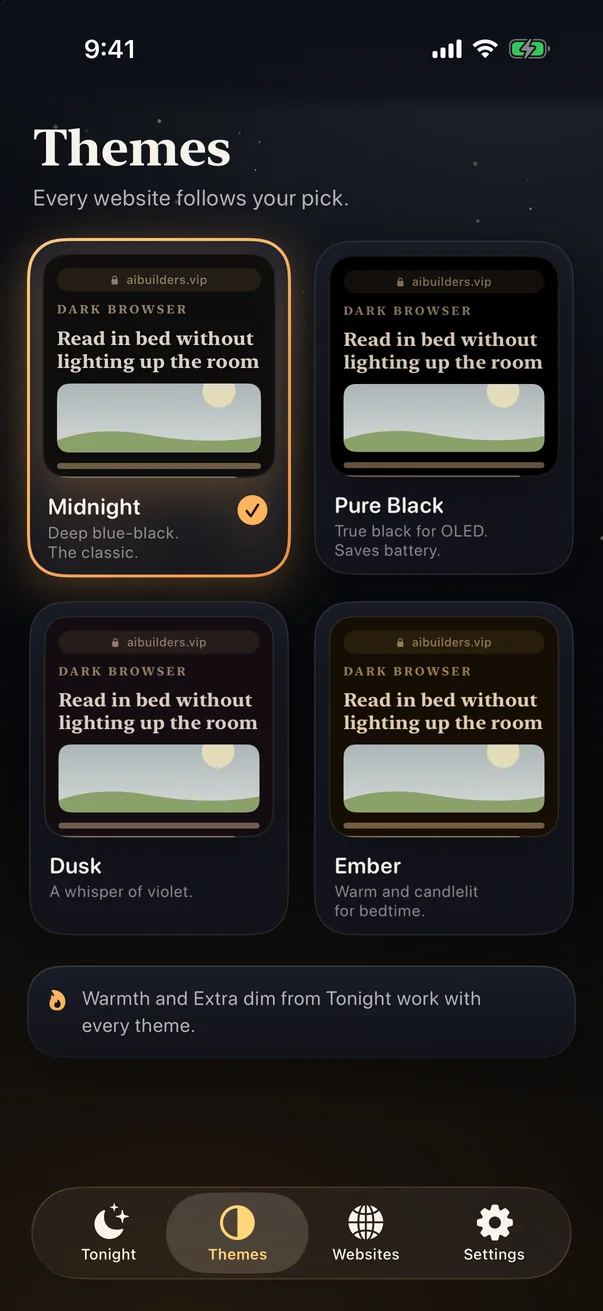
Dark Browser's Themes screen with Midnight, Pure Black, Dusk and Ember

Read Without the Harsh Glow

Enjoy your favorite articles, news, and websites without a bright white background filling your screen.
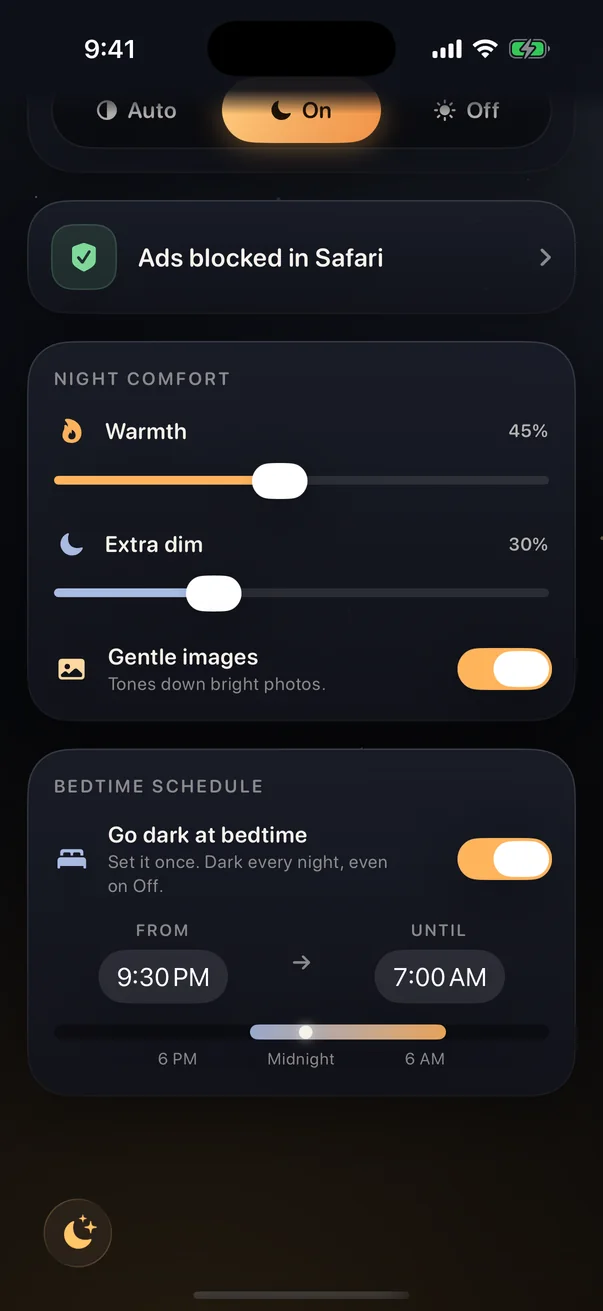
Night Comfort settings with warmth at 45 percent, extra dim at 30 percent, gentle images on and a bedtime schedule from 9:30 PM to 7:00 AM

Wind Down With Warmer ColorsPRO

With Dark Browser Pro, replace harsh colors with softer, warmer tones. Dim pages further and tone down bright images for a calmer bedtime experience.
Warmth Extra dim Gentle images
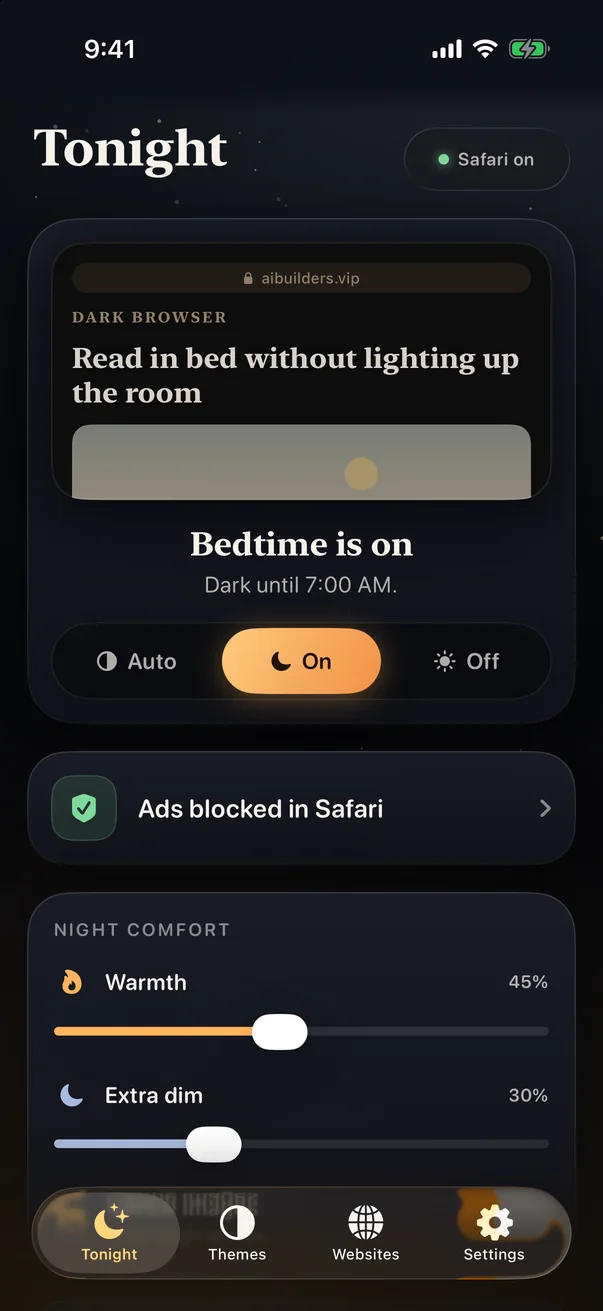
Dark Browser's Tonight screen: bedtime is on and every website stays dark until 7:00 AM

Let Your Websites Adjust at BedtimePRO

Set your bedtime schedule once. Dark Browser automatically applies your preferred dark settings every night.

Lights Off?
Turn Down the Page Too.

You're trying to relax and read in bed, not stare into a flashlight.

Dark Browser turns the page down to match the room, so the light on your face stays soft.

No glow lighting up the bedroom. Nothing to wake whoever's asleep next to you.

It's a simple change that makes your nighttime routine feel more relaxing.

Start Reading More
Comfortably Tonight.

One download. A simple Safari setup. Darker websites every night.

Get Dark Browser Free
For iPhone and iPad.
Dark Browser Pro

Want an Even More Comfortable
Nighttime Experience?

Upgrade to Dark Browser Pro.

Block ads in Safari, and get warmer tones, extra dimming, softer images and a bedtime schedule.

Try Dark Browser Pro Free for 3 Days
$24.99 per year or $4.99 per month.
Free
$0
Free to download, on iPhone and iPad.
  • Dark mode on every website
  • Auto, On and Off
  • The Midnight theme
  • Always dark or Never dark, site by site
  • Controls right inside Safari
Dark Browser Pro
$24.99a yearSAVE 58%
$2.08 a month, billed yearly. That’s 58% less than paying monthly at $4.99 a month.
Both plans start with 3 days free.
  • Everything in Free
  • Ad blocking in Safari
  • Warmer tones, a candlelight tint
  • Extra dim, below your screen's lowest brightness
  • Softer images for bright photos
  • A bedtime schedule that runs by itself
  • Pure Black, Dusk and Ember

Prices in US dollars. Both plans start with a 3-day free trial for new subscribers. Cancel in your iPhone's Settings at least 24 hours before the trial ends and you won't be charged. After that, Pro renews until you cancel.
Questions

Before you download

It does, but it only changes apps and the websites that built their own dark version. Most of the web stays bright white. Dark Browser darkens those pages too.

Open Settings, tap Apps, then Safari, then Extensions. Turn on Dark Browser and set All Websites to Allow. Safari shows a notice that extensions can read webpages. That's Apple's wording for every extension. Dark Browser only changes colors. For ad blocking with Pro, turn on the second Dark Browser switch too, the one called Content Blocker. The app walks you through both.

Free gives you dark mode on every site, On, Auto and Off, the Midnight theme and site rules. Dark Browser Pro adds warmer tones, extra dim, softer images, the bedtime schedule, Pure Black, Dusk and Ember, and ad blocking in Safari for $24.99 a year, 58% less than paying $4.99 a month. Both plans start with 3 days free, and you can cancel anytime in your iPhone's Settings.

With Pro, yes. It blocks ads in Safari once you turn on one more switch, and the app shows you where. Checkout, payment and sign-in pages are always left alone, and common video players can still load the code they need to start. Page or video not working? Tap Turn Off Content Blockers in Safari's page menu to reload it with its ads, or turn off Block ads in the app. It works in Safari only, not in other apps.

No. It changes colors on your iPhone and sends nothing about the pages you visit anywhere. The ad blocker can't read pages at all, because Safari applies its list for it. No account needed, no ads in the app, no tracking. See our Privacy Policy for full details.

Open Dark Browser from Safari's page menu and pick Never dark under This website only. You can report the site from the same menu so we can fix it. Email info@aibuilders.vip.

Yes. One download covers iPhone and iPad. Buy Pro once, then tap Restore purchases in the app's Settings on your other device.

Stop Letting Bright Websites
Ruin Your Bedtime Reading.

Your eyes have worked hard enough today.

Turn Your Websites Dark Tonight