Film pro videos from any room.
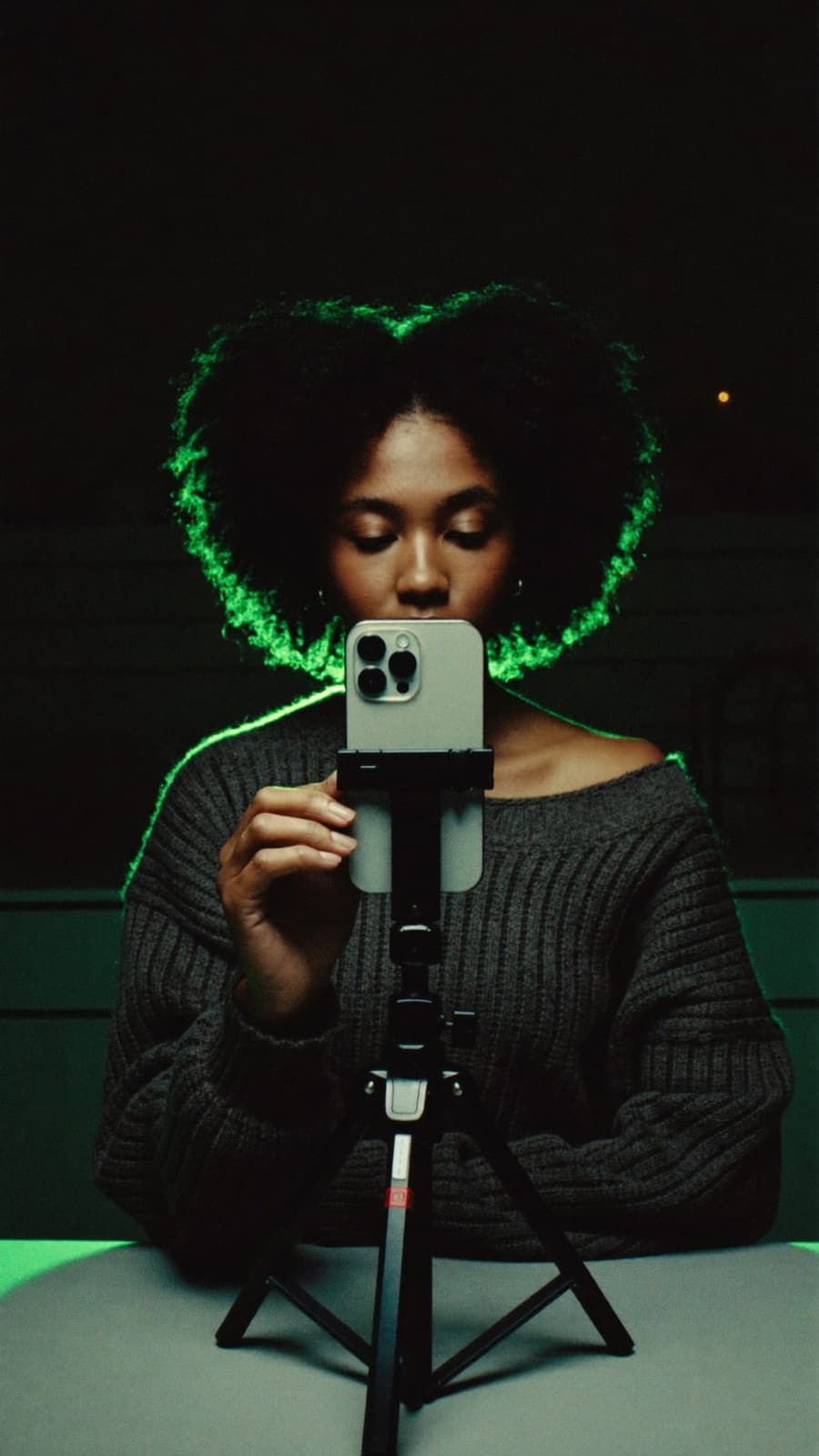
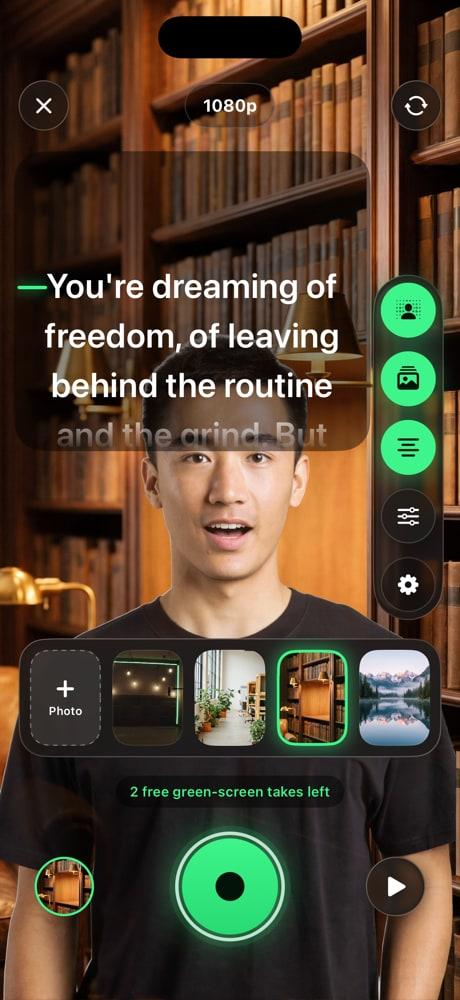
GreenRoom cuts you out of your real room and puts you in a studio, live. Your script scrolls right under the camera while you record. No green cloth. No cue cards. Just your iPhone.
Free to start. For iPhone with iOS 26 or later.
- No account
- No ads
- Videos stay on your iPhone
Try it right here
Same room.
Any studio.
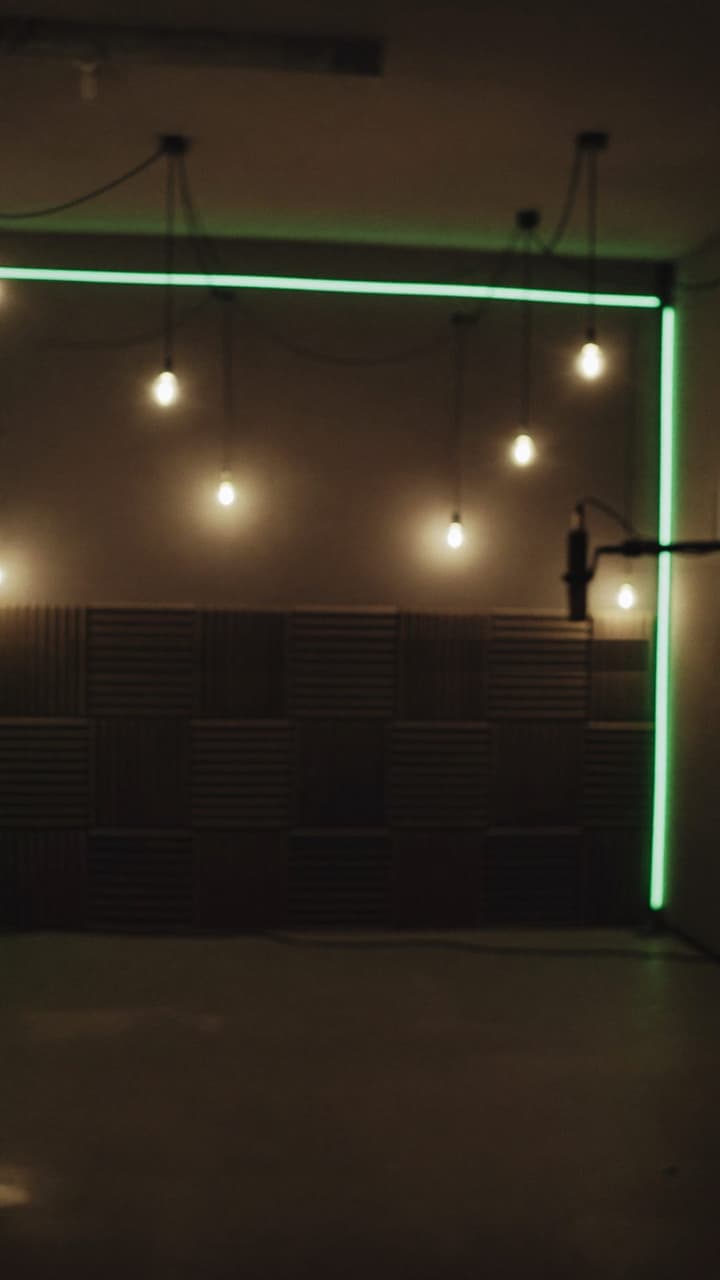
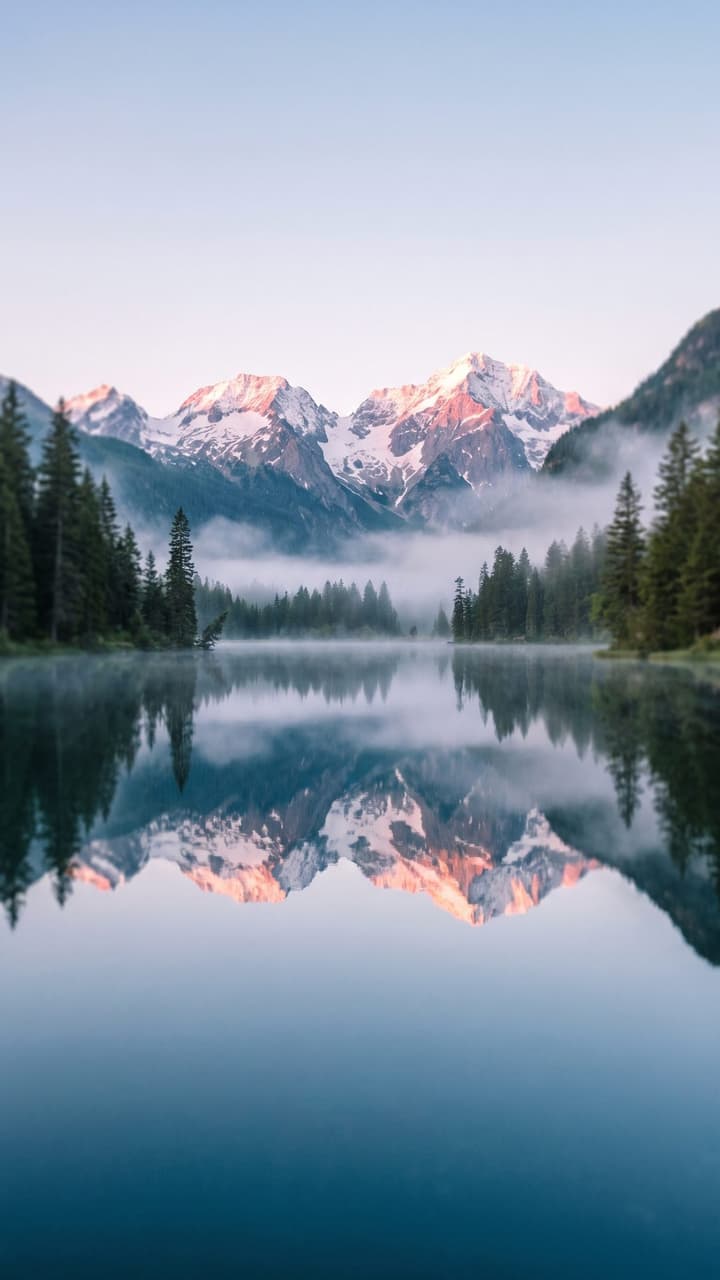
Start in a messy bedroom. Tap a background and the room is gone. In GreenRoom this happens live on your camera, and the composite is what gets recorded.
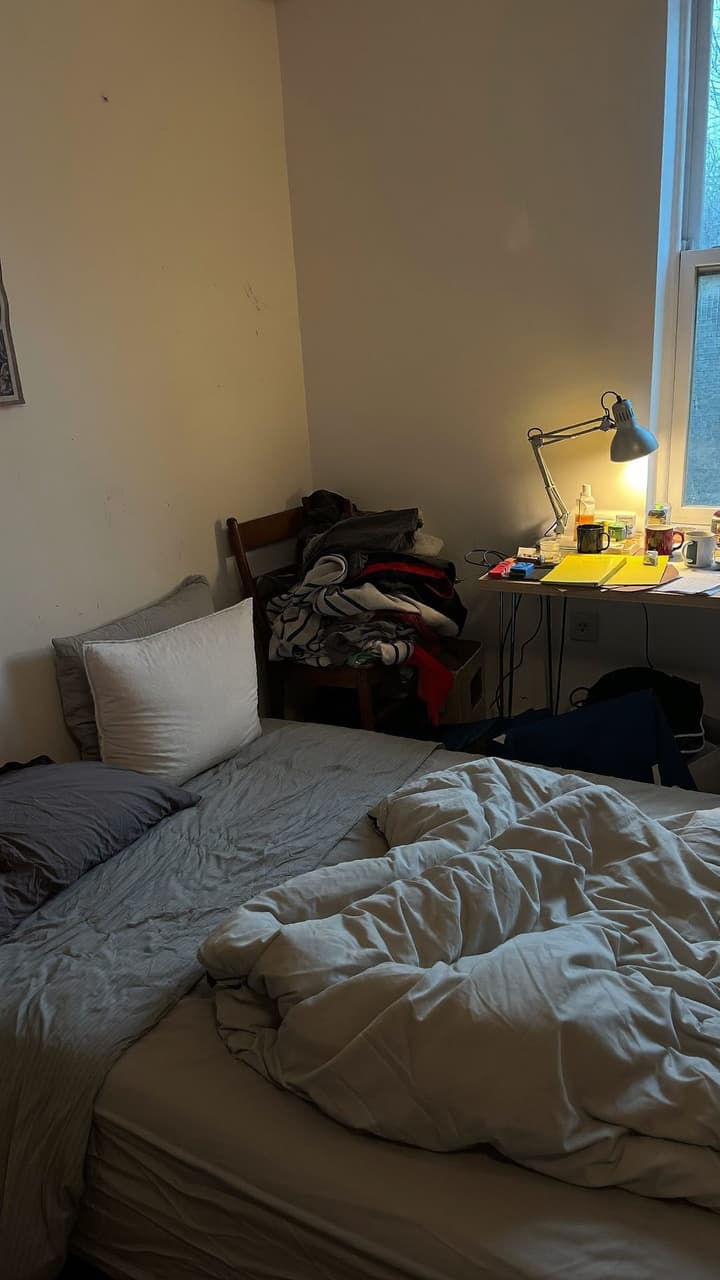
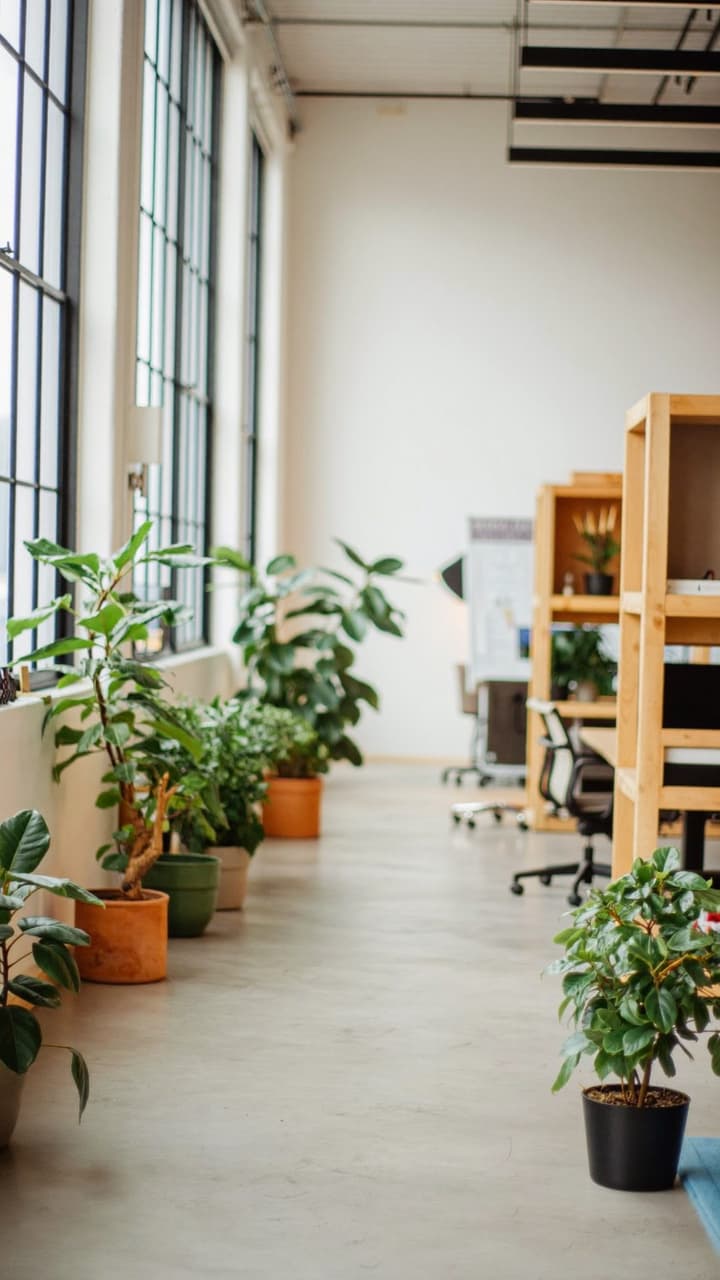


Your real room
Web preview with a sample photo. The app also has more gradients and lets Pro members use any photo from their library.
Three tools. One camera.
Stop juggling three apps to film one video.
A green screen, a teleprompter and a script writer, built into the camera you record with.
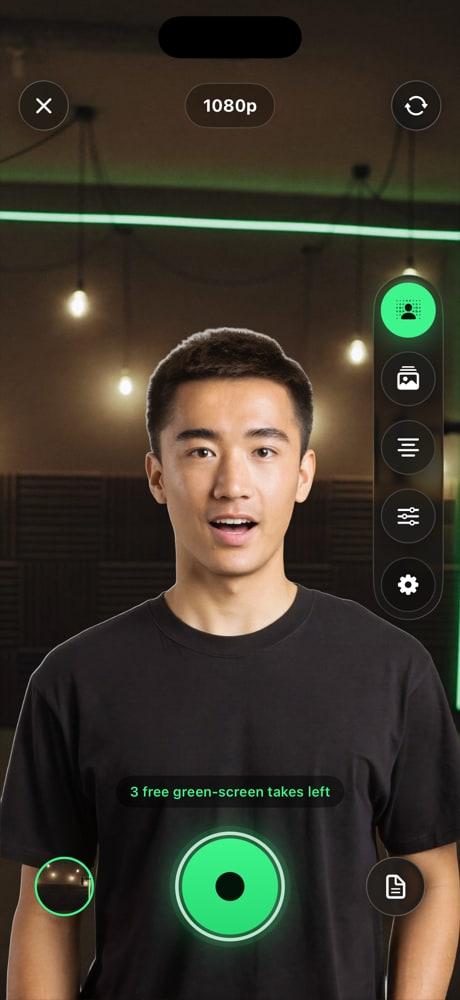
Real-time green screen
A studio, without the studio.
On-device person segmentation cuts you out of your room while you film. You see the result in the live preview, and the composite is exactly what gets recorded.
- Runs on your iPhone. Nothing is uploaded.
- Podcast studio, loft office, library, alpine lake and gradient backgrounds
- Use your own photo as the background with Pro
- Runs together with the teleprompter in the same camera
Teleprompter over the camera
Read your lines. Keep eye contact.
Your script scrolls right under the camera, so your eyes stay on the lens. No memorizing. It works with the green screen or on its own.
- Text size presets and scroll speed
- Dimming, so the words stay readable on any background
- Mirror mode for teleprompter glass rigs
- Play, pause and restart without leaving the camera
Stop scrolling.
Here's the setup I use for every single video.
It's just my phone.
No green cloth. No rented studio. No cue cards taped to the wall.
I pick a background, my script scrolls right under the camera, and I hit record.
I keep eye contact the whole time, because the words are right where I'm looking.
One take. Save it. Post it.
That's the whole studio.
Tap the controls. This is how the prompter behaves in the app.
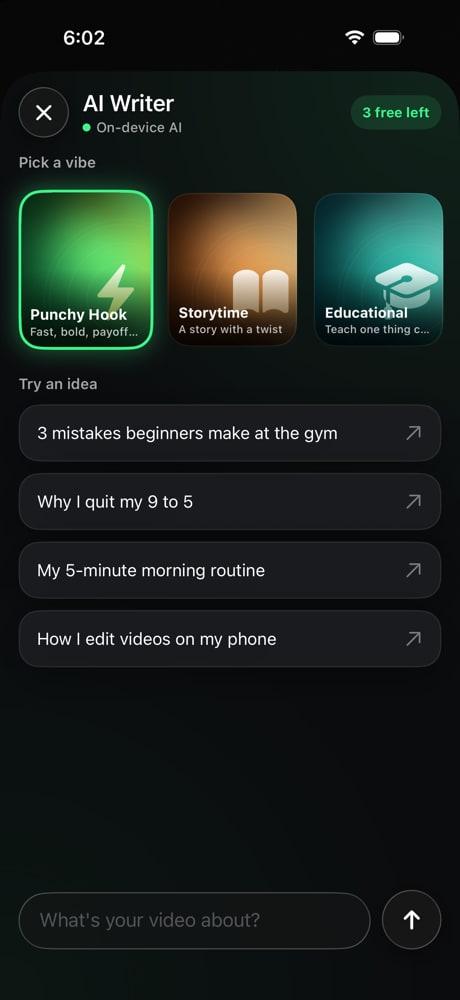
AI script writer
Stuck on what to say? Get a script in seconds.
Pick a style, say what your video is about, and GreenRoom writes the first draft. Edit it, save it, and read it straight off the teleprompter.
Apple Intelligence. Apple's on-device model on supported iPhones. Your prompt stays on the phone.
Built-in writer. Works on every other iPhone, right inside the app.
Your own key. Add an OpenAI or Gemini key. It lives in your Keychain, and requests go straight to that provider.
A real camera app
Every take, sharp and ready to post.
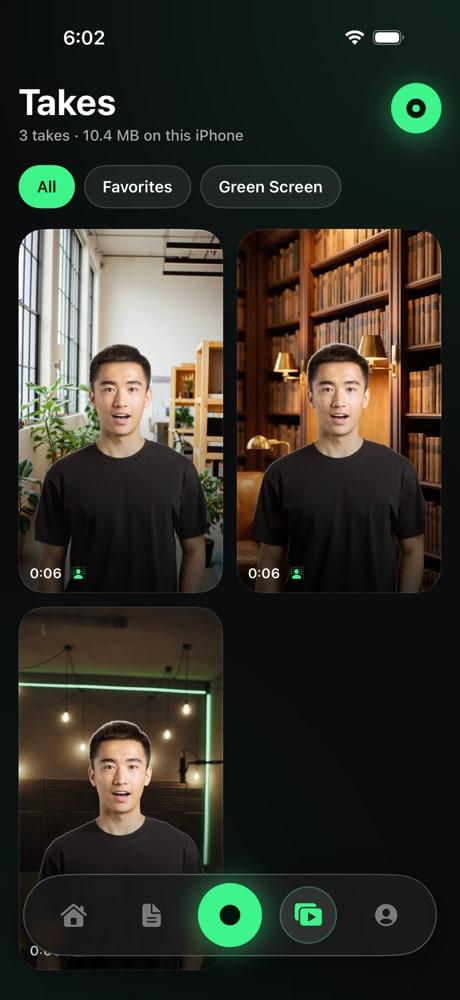
The camera controls you expect, and a takes library that keeps every recording on your phone until you share it.
720p, 1080p or 4K
HEVC video. 4K with Pro.
Front or back camera
Film yourself or what is in front of you.
Pinch and double-tap zoom
Get closer without moving the phone.
Tap to focus
Focus right where you tap.
Torch and grid
Extra light, and lines to frame the shot.
3s or 10s countdown
Time to get into position.
- Takes library with a waveform scrubber
- Save to Photos, or share to TikTok, Instagram and Files from the share sheet
How it works
Write. Frame. Record. Post.
- 01
Write
Type your own script, or pick a style and let the AI write the first draft.
- 02
Frame
Choose a background. GreenRoom cuts you out of your room, live.
- 03
Record
Hit record and read. The script scrolls under the camera the whole time.
- 04
Post
Review the take, save it to Photos, or share it to TikTok or Instagram.
Everything stays on your iPhone.
No account to create. No ads. No analytics. Your videos, scripts and photos live on your device, and they only go somewhere when you share them.
Using your own OpenAI or Gemini key? Script requests go straight from your phone to that provider. The details are in the Privacy Policy.
Pricing
Start free. Go Pro when it clicks.
Try the green screen and the AI writer before you pay a cent.
Free
$0
No account, no card
- Teleprompter over the camera
- Script library
- 3 green-screen takes
- 3 AI scripts
- No ads
PROGreenRoom Pro
3-day free trial on every plan- Unlimited green-screen takes
- Unlimited AI scripts
- Record in 4K
- Your own photos as backgrounds
Free trial for eligible new subscribers. Billed through your Apple Account, and plans renew automatically until canceled. Cancel anytime in your Apple Account settings, at least 24 hours before renewal. See the Terms of Use.
Questions
Good to know
No. GreenRoom uses on-device person segmentation to cut you out of whatever room you are in, live. No green cloth, no backdrop stand.

Your studio. Anywhere you are.
Green screen, teleprompter and AI scripts in one camera. Free to start.